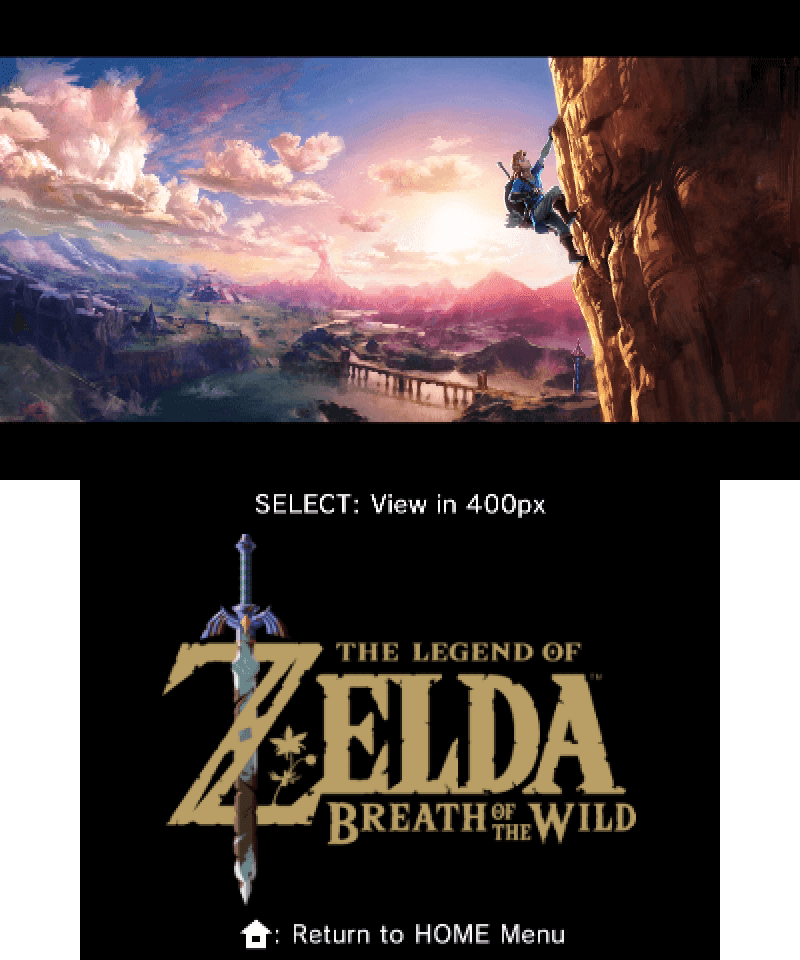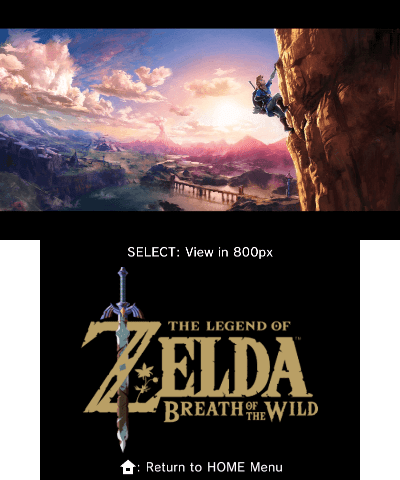
Description
A demonstration of the 800px mode on 3DS consoles. Will not work on O2DS consoles.
Installation instructions
These installation instructions have been automatically generated based on Universal-Updater's installation scripts
HoriHD-Gallery.3dsx
- Download
HoriHD-Gallery.7z - Extract
/HoriHD-Gallery.3dsxfrom the 7z to/3ds/HoriHD-Gallery.3dsxon your SD card
HoriHD-Gallery.cia
- Download
HoriHD-Gallery.7z - Extract
/HoriHD-Gallery.ciafrom the 7z to/cias/HoriHD-Gallery.ciaon your SD card - Insert your SD card back into your 3DS and turn it on
- Install and delete
/cias/HoriHD-Gallery.ciausing FBI or GodMode9