Downloads
Download 3dsx.2.2.0.zip Download cia.2.2.0.zip Download combined.2.2.0.zipVersion: v2.2.0
Last updated:
Description
Usage
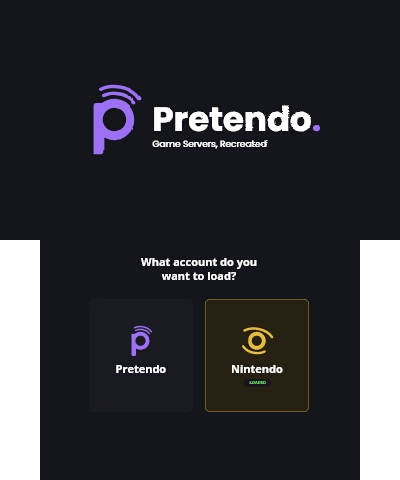
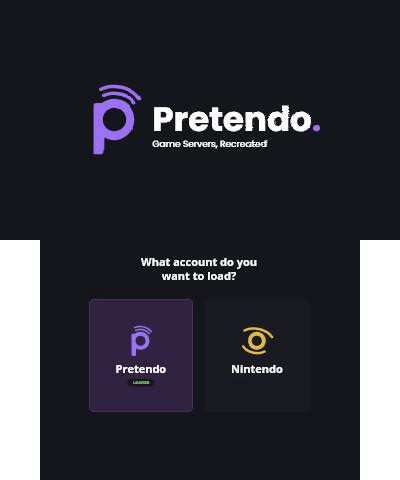
- Run the Nimbus homebrew and choose to use either a Pretendo or Nintendo account
If the app doesn’t work, try the following steps:
- Reboot your 3DS while holding SELECT and make sure “Enable loading external FIRMs and modules” and “Enable game patching” are both turned on
- Ensure that your Luma3DS version is 13.0 or higher
Installation instructions
These installation instructions have been automatically generated based on Universal-Updater's installation scripts
nimbus.3dsx
- Download
3dsx.2.2.0.zip - Extract
/3ds/nimbus.3dsxfrom the zip to/3ds/nimbus.3dsxon your SD card - Extract
/3dsfrom the zip to/3dson your SD card
nimbus.cia
- Download
cia.2.2.0.zip - Extract
/cias/nimbus.ciafrom the zip to/cias/nimbus.ciaon your SD card - Extract
/3dsfrom the zip to/3dson your SD card - Insert your SD card back into your 3DS and turn it on
- Install and delete
/cias/nimbus.ciausing FBI or GodMode9